Communications Hub
Customer messages that send themselves
Another view built for owners. Set up campaigns once and Lume messages your customers at the right moment, whether that's an order milestone or a birthday, over SMS, email, or both, with CASL consent and anti-spam guardrails doing the worrying for you.
Book a demoCampaigns
Every message on autopilot
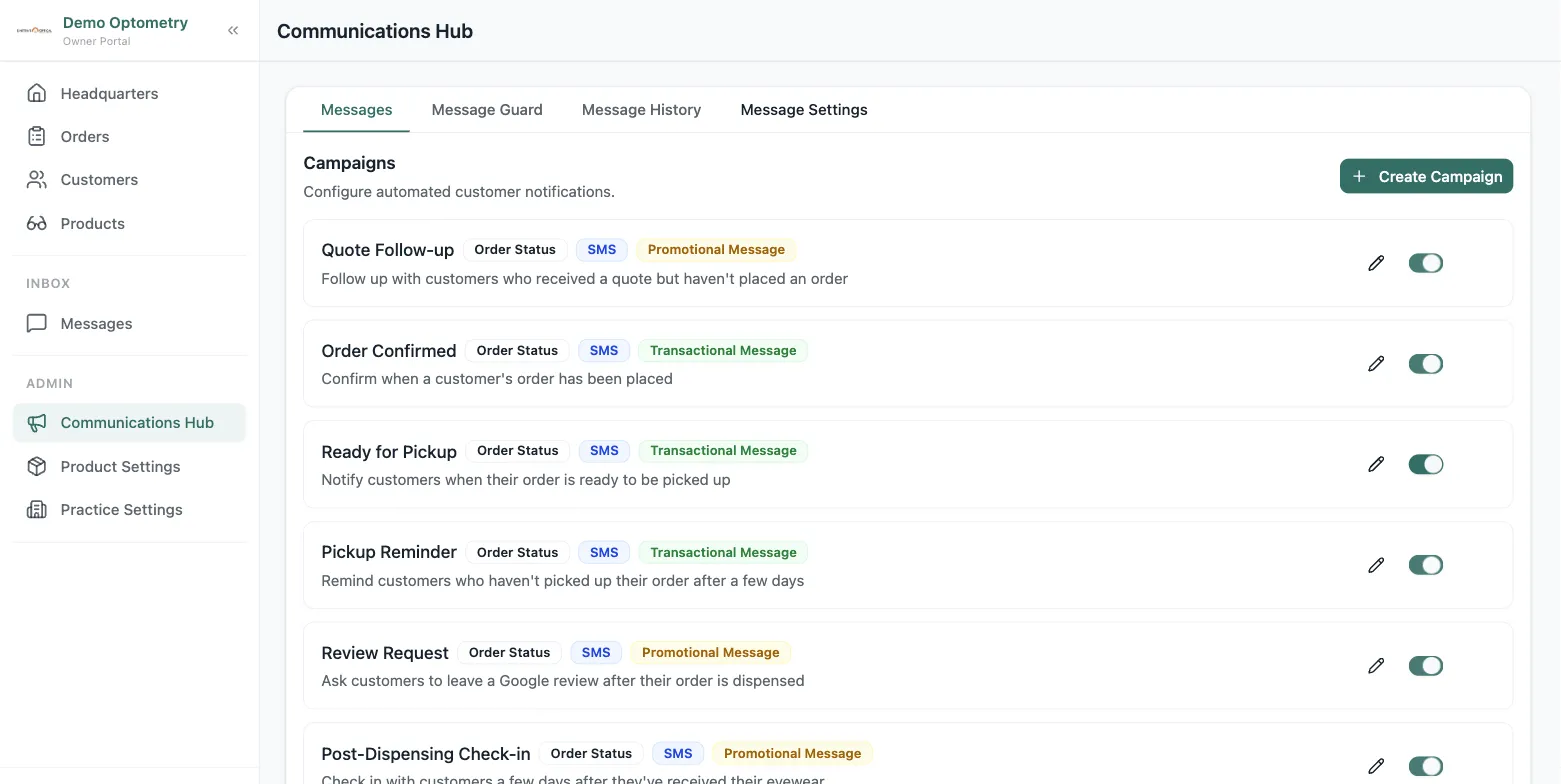
Each campaign is a rule: pick a trigger from order statuses or customer events like birthdays, expiring prescriptions, or expiring insurance, then let it run. Switch any campaign on or off with one toggle, and see at a glance which messages are transactional and which are promotional.
Build a campaign
Your message, your timing, your channels
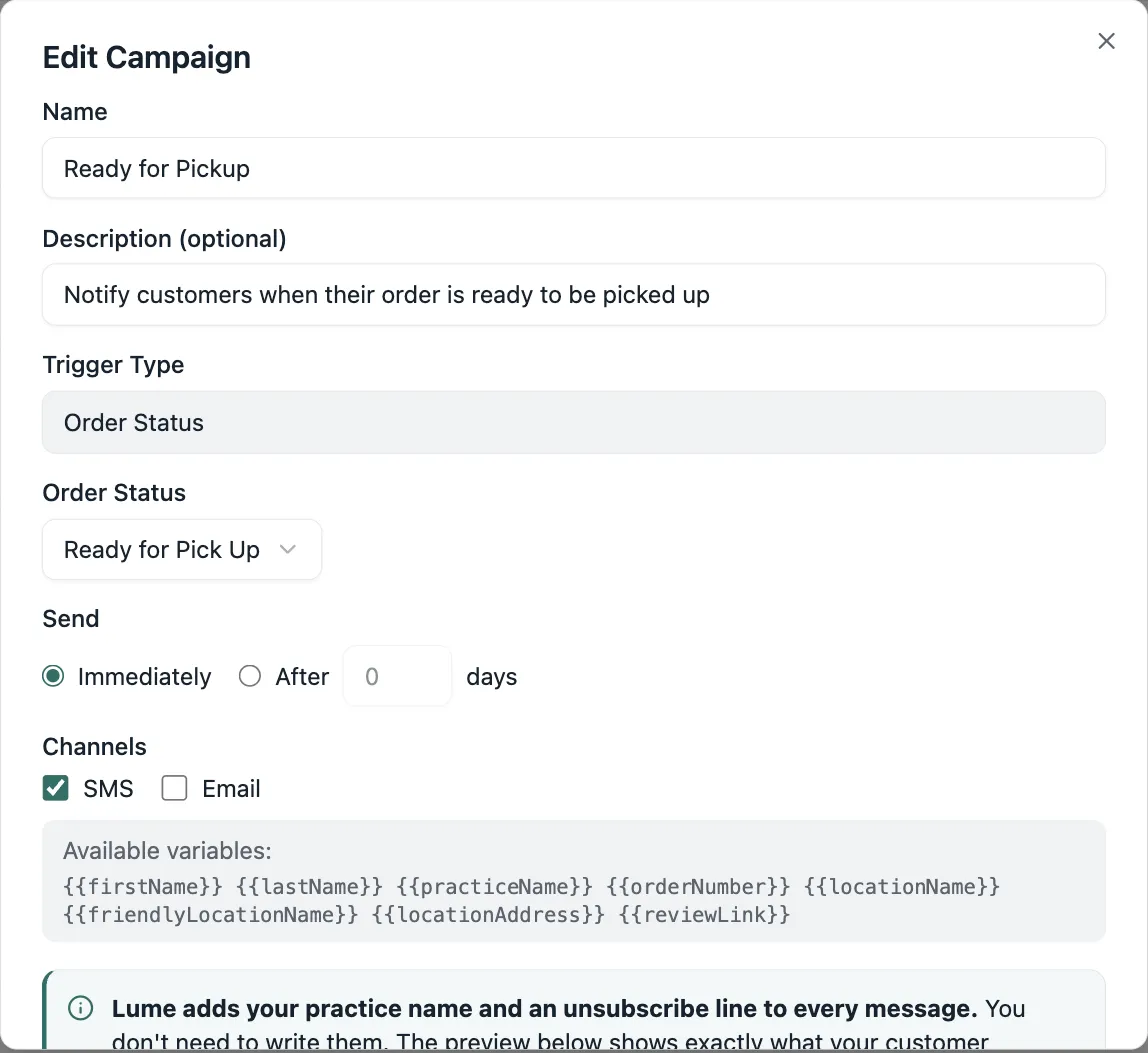
Send immediately or wait a few days. Deliver by SMS, email, or both, with one message for every channel or a custom version for each, personalized with variables like the customer's name and pickup location. Flag a campaign as promotional and Lume only sends it to customers with CASL consent.
Message Guard
Guardrails against over-messaging
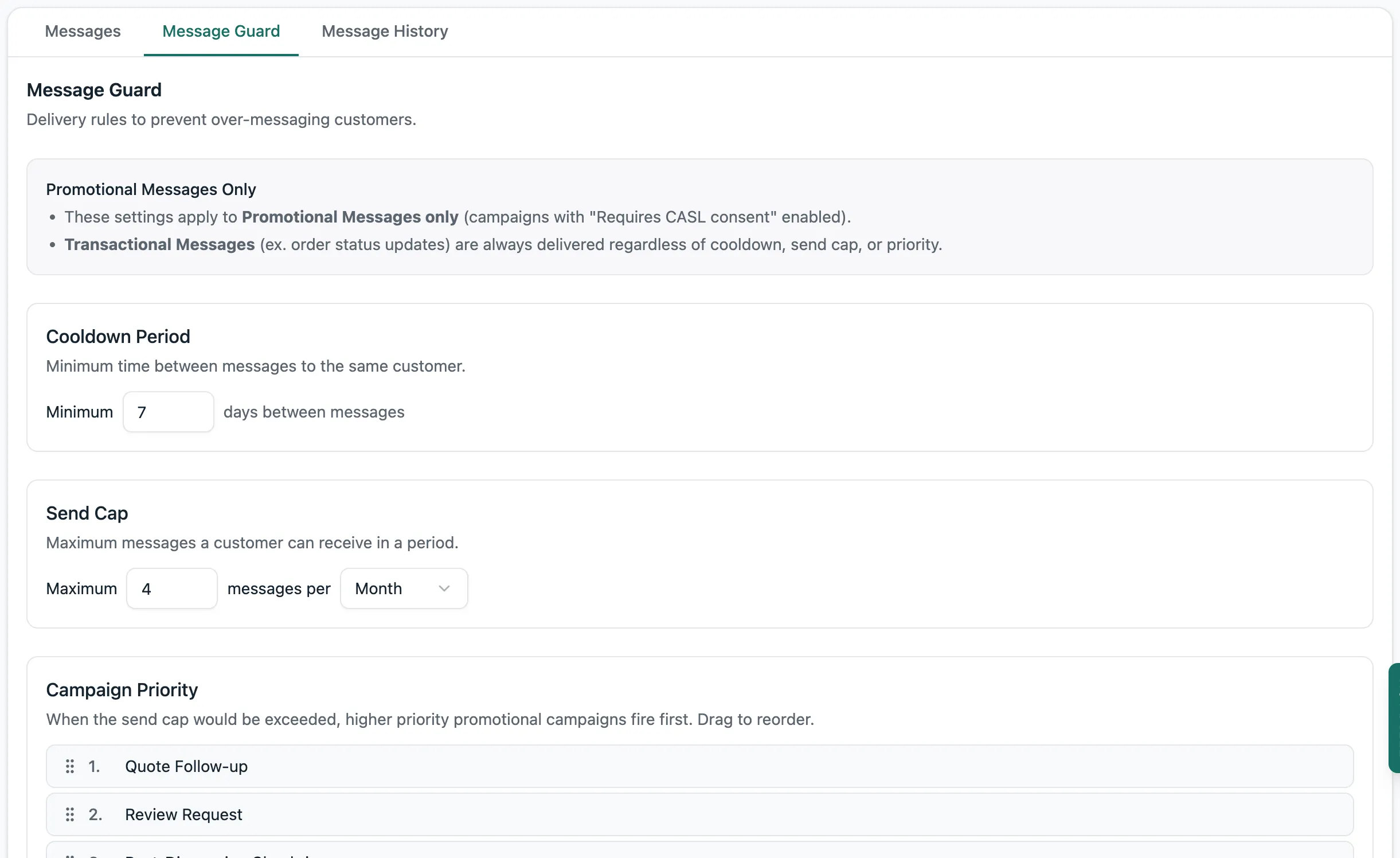
Message Guard keeps promotional campaigns polite. Set a cooldown between messages to the same customer, cap how many they can receive in a period, and rank your campaigns so the most important one goes first when several qualify. Transactional updates like order-ready notices always get through.
Message History
Every message, accounted for
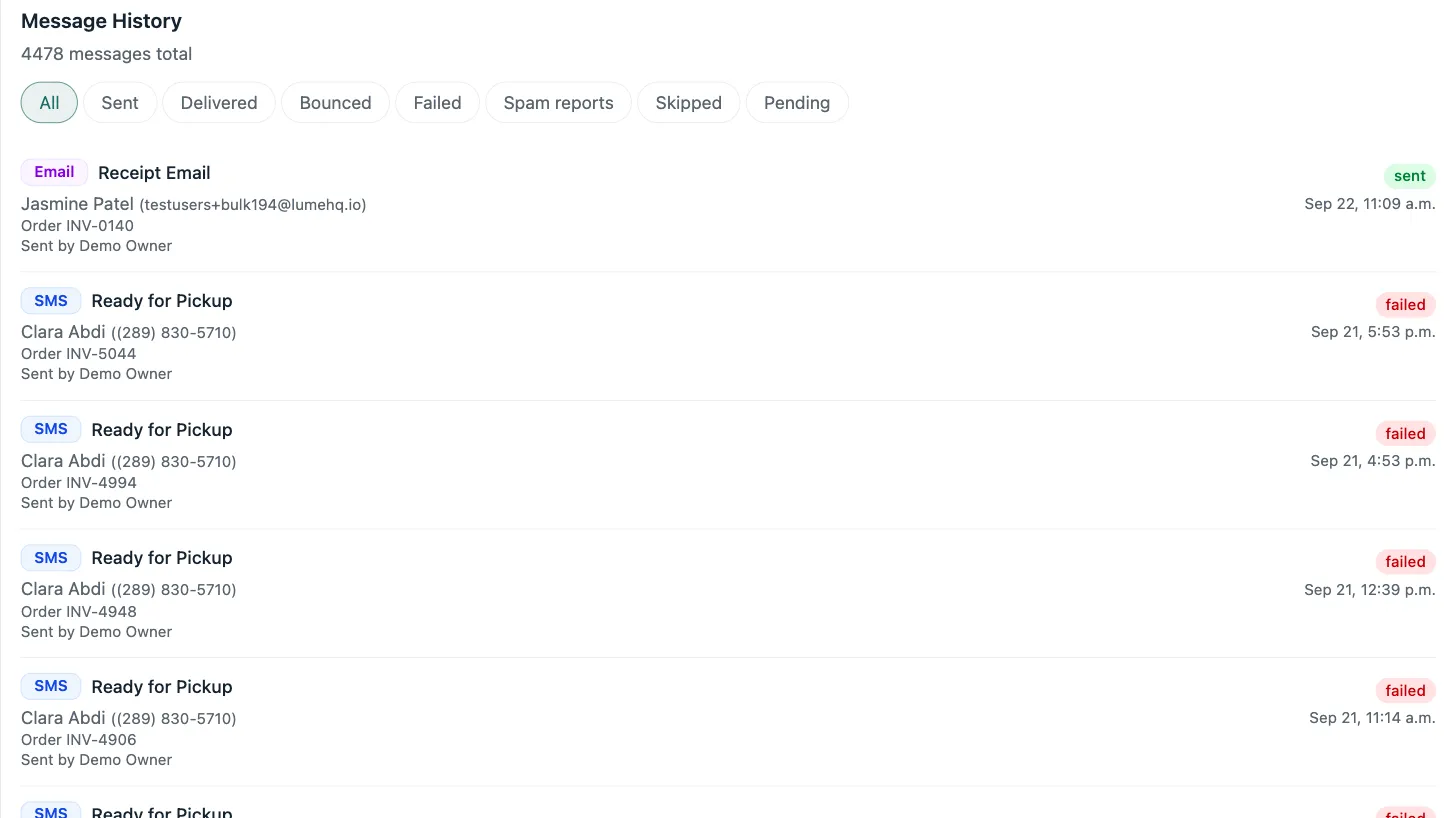
A full log of who was messaged, what they received, and when, filterable by sent, failed, skipped, or pending. When a customer asks about a text, you can find the answer in seconds.
Frequently asked questions
What is optical patient recall and reminder software?
It's the system that automatically reaches out to customers: pickup reminders, quote follow-ups, birthday greetings, and recalls when a prescription is due to expire. In Lume it's the Communications Hub, where owners set the rules and the messages send themselves.
What can trigger an automated message?
Two kinds of events: order status changes, like a quote sent or an order ready for pickup, and customer events, like birthdays, expiring prescriptions, or expiring insurance. Each campaign can fire immediately or a set number of days after the trigger.
Can I send different messages by SMS and email?
Yes. A campaign can go out by SMS, email, or both, with one shared message or a custom version per channel, personalized with variables like the customer's first name and pickup location.
How does Lume keep campaigns CASL compliant and non-spammy?
Campaigns marked promotional only go to customers with CASL consent, and Message Guard adds a cooldown between messages, a cap per period, and campaign priority. Transactional messages like order updates always deliver.
Who can set up campaigns?
Owners. The Communications Hub lives in the owner's view, so your team never has to think about messaging: it just happens.