Messages
Your customers text back. This is where the conversation happens.
The Communications Hub does the sending: the order is ready, the prescription is about to expire, the campaign you set up this morning. Messages is the other half. Every reply lands here, in one thread per customer, where your team answers it.
Book a demoOne thread per customer
The whole conversation, in order
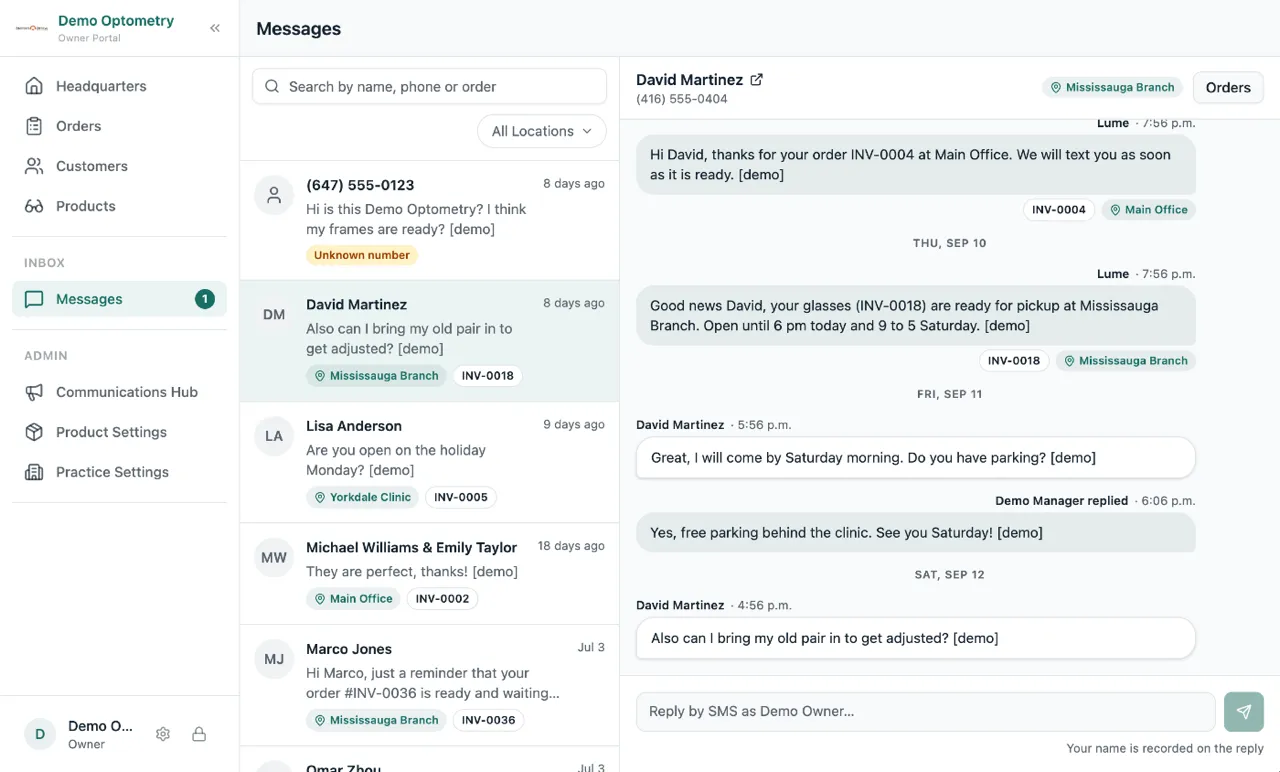
Open a customer and you see every text Lume sent them and every text they sent you, oldest at the top. Type in the box at the bottom and your reply goes out from your practice number, into the conversation they are already reading on their phone.
The answer side
Where "Can I come Saturday?" finally goes
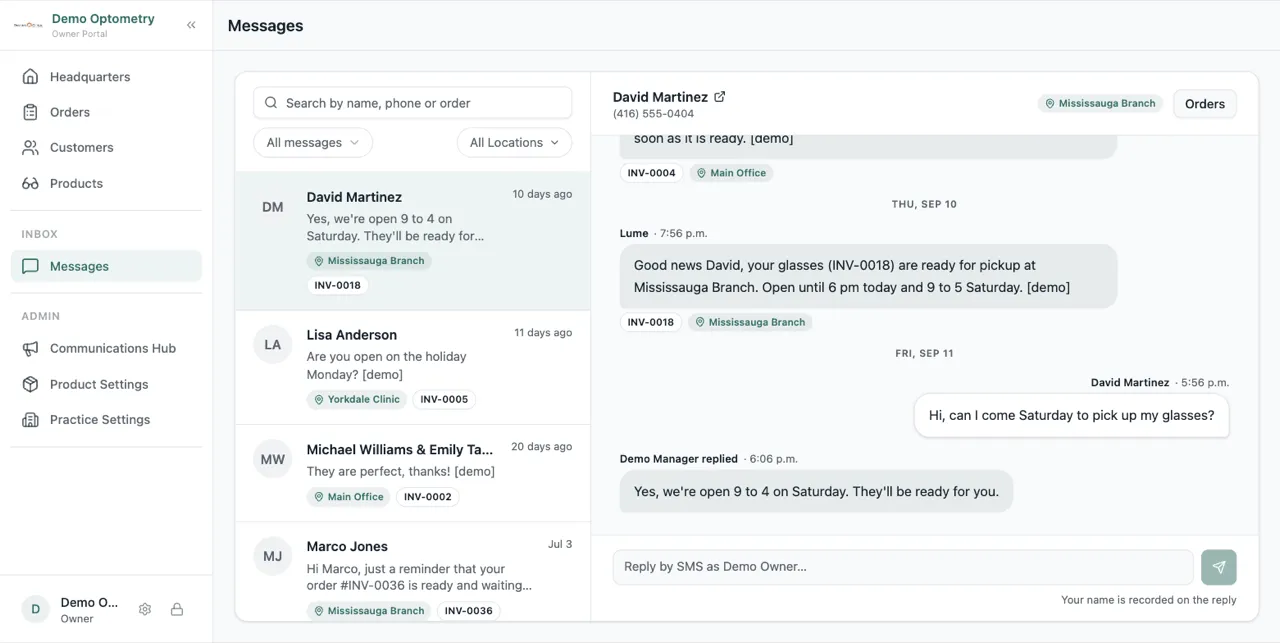
Order-ready texts, reminders and campaigns are already going out to your customers, and until now anything they wrote back went nowhere. Filter the list to Unread to work through only what still needs an answer, and the store's short name on each conversation tells a multi-location team which shop the customer is texting. The same thread also sits on the customer's profile, next to their prescriptions and orders.
Frequently asked questions
Who in the practice can see Messages?
Everyone on the team. Messages sits under Work in the menu, next to Orders and Customers, so an associate at the counter can answer a customer without waiting for a manager.
Can a customer text us first, or only reply to something we sent?
Either. Any text sent to your practice number lands in Messages. If the number matches a customer on file, it goes into their thread, whether or not you have texted them before.
Which number do our replies come from?
The same practice number your reminders and order-ready texts already come from. The customer sees one conversation, not a second number they have to save.