Orders that save themselves, and more
Order progress now saves automatically, email is optional on customer profiles, the catalogue back button keeps your place, and sign-in on shared devices is quicker.
A few improvements landed this week to take friction out of your day. Everything here is already live, with nothing for you to switch on.
Your orders now save as you go
The order builder saves your progress automatically while you work. Close a tab, switch devices, or hand an order to a colleague, and nothing is lost. Reopen the order and pick up exactly where you left off.
Add customers without an email
Email is now optional on a customer profile, so only a phone number is required. Customers without an email still receive their SMS messages, so you can add a walk-in in seconds without inventing a placeholder address.
The back button remembers your place
Browsing the catalogue and opened a frame? Pressing back now returns you to the same category and search you were in, rather than jumping to the top. Much less re-scrolling.
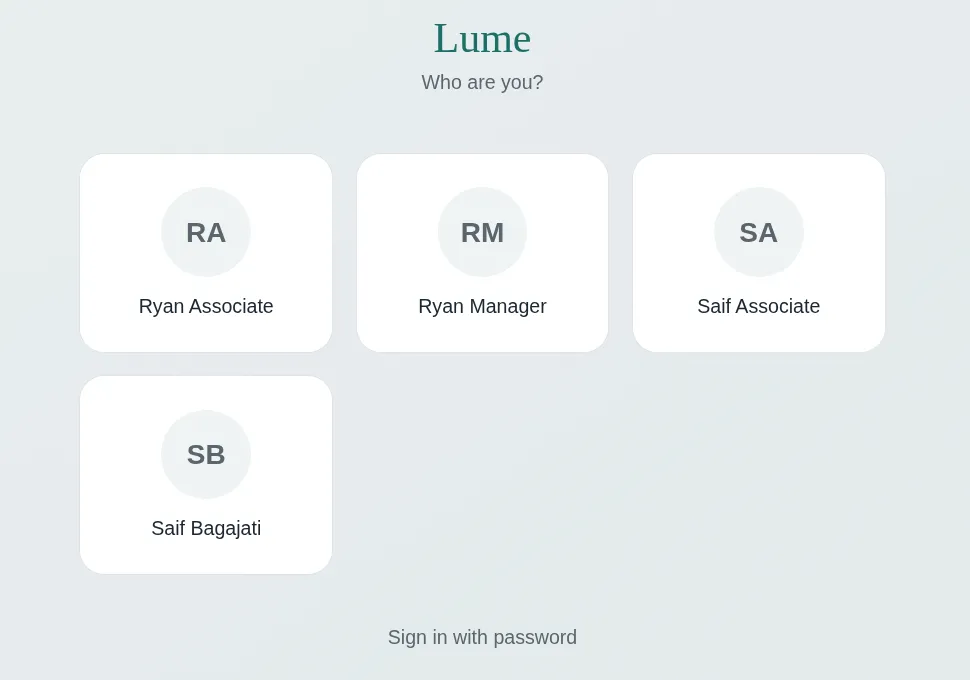
Smoother sign-in on shared devices
PINs can now be shorter, with a four-digit minimum instead of a fixed six. Every team member, including owners and managers, now appears on the lock screen, so anyone can sign in to a counter tablet.